Use Phone As Dashcam: How to Use Your Phone as a Dashcam
Introduction
You can use your phone as a dashcam right now, without spending a rupee on extra hardware - and for Indian drivers on busy roads in 2026, that turns the device already in your pocket into a genuine safety and legal asset. Dedicated dashcams cost several thousand rupees; your smartphone captures HD video, logs GPS, and backs footage to the cloud automatically. This guide covers apps, setup, evidence handling, mounting, and keeping your device cool on long drives.
Why Use Phone as Dashcam
Using your phone as a dashcam costs nothing extra and often outperforms entry-level dedicated hardware on feature depth. A mid-range Android or iPhone records 1080p video - enough clarity to read a number plate in good daylight.
Built-in GPS logging embeds speed and location into every clip, something standalone recorders often sell as a paid add-on. Cloud backup via Google Photos or iCloud protects footage even if the device is damaged in a crash, and sharing a clip over WhatsApp or email is instant. Apps with G-sensor impact detection automatically lock files when a collision is sensed, while parking mode recording via motion detection keeps a watch over a parked car. For anyone ready to turn smartphone into dashcam, the value case is hard to dismiss.
Best Dashcam Apps for Indian Drivers
The right app is the single most important decision when you use phone as dashcam. Look for one that handles dashcam app loop recording, GPS speed overlay, incident locking, and reliable continuous background recording on Indian-spec Android builds.
Criteria for the best dashcam app for Android India users in 2026:
- Loop recording intervals of 1, 3, or 5 minutes prevent storage from filling up without manual clearing.
- GPS speed overlay embeds coordinates and speed on each frame, creating insurance-grade documentation.
- Night vision dashcam app mode via manual ISO or dedicated night mode for unlit highways and urban underpasses.
- Adjustable G-sensor sensitivity to avoid constant false locks on India's textured road surfaces.
- Auto-start on power connection so recording begins the moment you plug into the car charger.
Check Play Store reviews specifically for continuous background recording reliability on Android 12 and above - newer OS battery management can silently pause camera access. iPhone users should note that iOS background camera restrictions require the screen to stay on during recording, which directly affects power planning.
Setting Up Phone as Dashcam
A solid phone dashcam setup India drivers can rely on starts with app configuration, not the mount. Get settings right before you think about placement.
Follow these steps in order:
- Set resolution to 1080p at 30fps - sharp enough for number plates, light enough not to fill storage quickly.
- Enable loop recording with 3-minute default segments.
- Activate auto-start on power and verify the app launches when the charger is connected.
- Lock orientation to landscape manually if the app does not automate this.
- Drop screen brightness to minimum once the app is confirmed running.
- Set a storage alert to keep at least 2 GB free for uninterrupted loop writing.
After the first drive, review one clip to confirm GPS overlay is visible and timestamps are accurate. Correct timestamps become non-negotiable the moment you use phone as dashcam footage in any legal context.
Use Phone as Dashcam for Legal Evidence
Phone dashcam accident evidence India courts and insurers increasingly accept - but only when recordings meet specific technical standards. The footage is only as strong as the metadata attached to it.
Keep these points in mind for legally usable recordings:
- Activate GPS metadata before every drive. Speed and location at the moment of an incident carry direct weight in motor accident claims under the Motor Vehicles Act.
- Never re-edit or re-encode the file before submitting - conversion strips original timestamps.
- Lock the incident file immediately after a collision. G-sensor impact detection handles this automatically, but tap the manual lock button as backup.
- Back up the original MP4 to cloud storage before sharing it anywhere.
[!IMPORTANT]
A clip sent over WhatsApp is compressed and loses metadata. Always submit the original MP4 to your insurer or traffic authorities - never a messaging-app copy.
Safe Mounting and Recording Tips
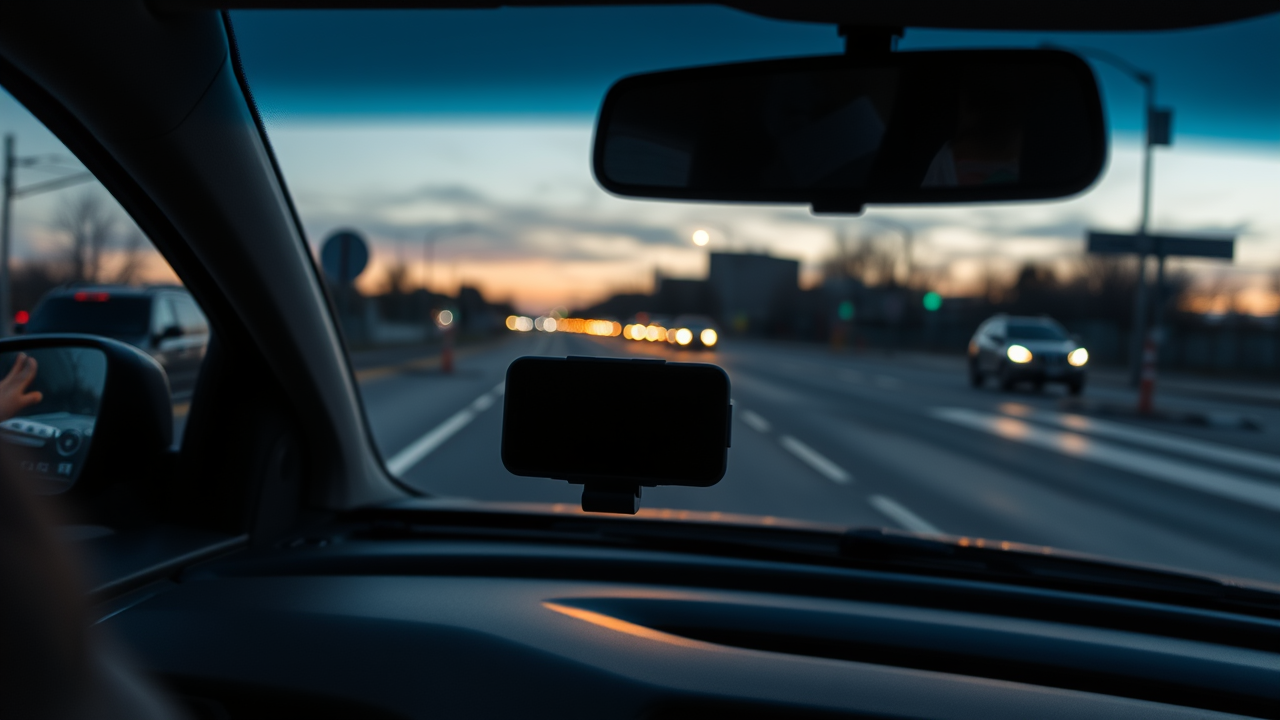
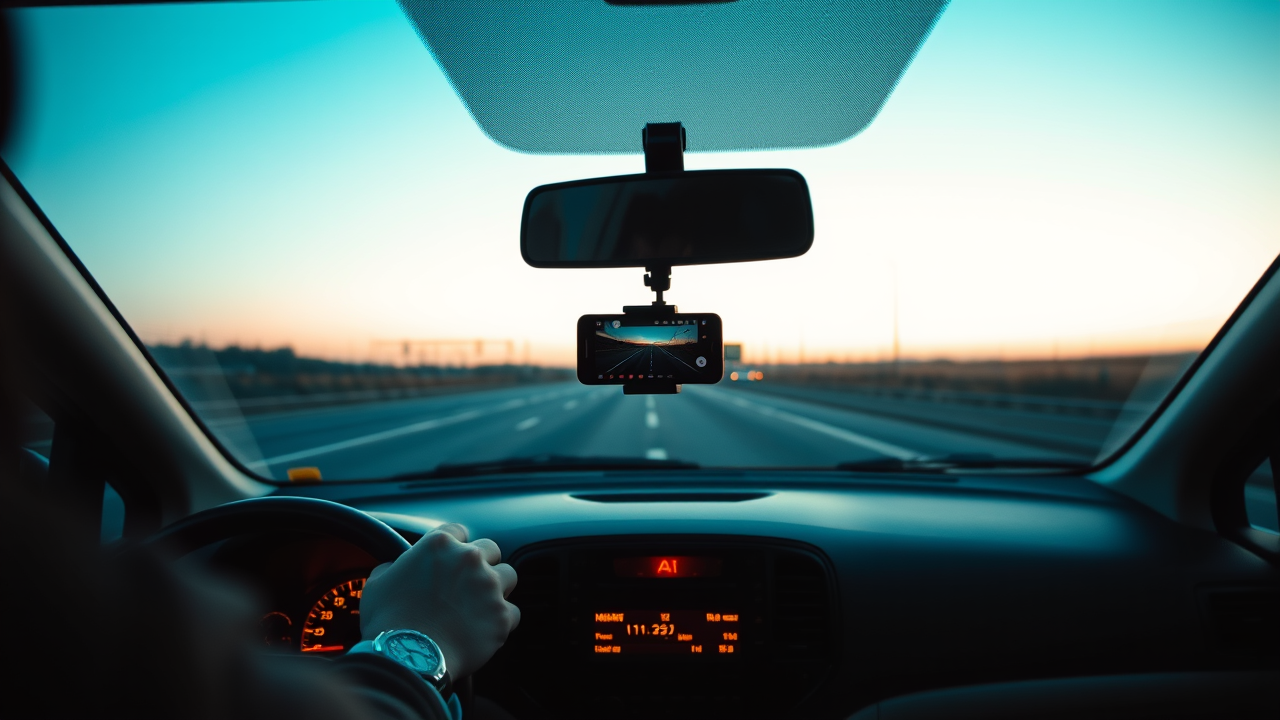
A correctly positioned windshield phone mount keeps footage sharp and keeps you within the letter of traffic law. The Indian Motor Vehicles Act prohibits obstructions to primary forward vision - mounting behind the rear-view mirror or low on the A-pillar is the safest position available.
Practical mounting tips:
- Route the charging cable along A-pillar trim to the 12V socket - loose cables flag during inspections and are a genuine safety hazard.
- Angle the phone to capture the road ahead and both lane markings on either side.
- Choose a locking-arm mount over a plain suction cup - suction mounts fail easily when dashboards reach summer temperatures.
- Drop screen brightness to near-zero after confirming recording is live to eliminate windshield reflections in night footage.
Prevent Overheating and Battery Drain
Long drives are the hardest test for any phone that needs to use phone as dashcam continuously for hours. Overheating throttles performance and can trigger an automatic shutdown - ending your recording at exactly the wrong moment.
The core fix is straightforward: always use a powered car mount. A charger rated at your phone's fast-charge spec delivers enough wattage to sustain recording without drawing down the battery at all.
[!TIP]
Mount in a shaded section of the windshield, away from direct sunlight. On an Indian summer afternoon, exposed dark phone glass can push device temperature past safe thresholds within minutes.
Extra steps to manage heat on longer drives:
- Close all non-essential apps before starting the dashcam app.
- Disable mobile data if live cloud upload is not needed during the drive.
- A compact USB-powered fan clipped to the nearest dashboard vent extends sustained recording time on hot highway runs.
FAQs
Android or iPhone as Dashcam in India
Both platforms work well to use phone as dashcam, but Android offers more flexibility. Top-rated apps on the Play Store support continuous background recording with the screen off. iOS background camera restrictions require the screen to stay active at minimum brightness, which factors directly into battery and heat planning on longer drives.
Best Free Dashcam App in India 2026
The best dashcam app for Android India users appears consistently at the top of Play Store results for "dashcam," sorted by rating and filtered for recent reviews. Prioritize apps with active developer support, GPS overlay, and verified loop recording on Android 13 and 14. Apply the same search approach on the App Store for iOS, and confirm background recording behavior before committing.
Is Dashcam Footage Valid as Evidence
Yes - phone dashcam accident evidence India legal systems accept when an unedited MP4 with embedded GPS metadata is submitted directly to the insurer or authorities. Indian courts treat timestamped original video as documentary evidence in traffic disputes and motor accident claims. A WhatsApp-compressed copy lacks metadata and weakens your submission significantly.
Preventing Phone Overheating During Recording
Shade the device from direct sun, use a powered mount, and close background apps before recording starts. Lowering screen brightness and disabling mobile data cuts both CPU and modem heat noticeably. On very long drives, a brief stop with the screen off lets the device recover temperature between legs of the journey.
Does Dashcam App Drain Phone Battery
Continuous recording is one of the most power-intensive tasks a phone can run - most devices drain fully within two to three hours without a charger. A powered USB mount or compact power bank is not optional for road safety India 2026 drives that regularly run two hours or more.
Key Takeaways
- Install an app with loop recording, GPS overlay, and auto-start on power before your next drive.
- Set 1080p at 30fps with 3-minute loop segments for balanced quality and storage management.
- Mount behind the rear-view mirror or low on the A-pillar to stay compliant with the Motor Vehicles Act.
- Use a powered car mount - continuous recording without a charger drains most batteries within hours.
- Lock incident clips immediately and back up the original MP4 to cloud storage before sharing anywhere.
- Submit only the original unedited file to insurers and traffic authorities - compressed copies compromise your evidence.
Conclusion
The decision to use your phone as a dashcam in India is one of the most practical safety upgrades any driver can make in 2026. The hardware is already in your hand, the apps are free or near-free, and the legal protection is real - provided you configure everything correctly and treat footage like any important document. Install the right app today, secure a compliant windshield phone mount, and connect a powered charger. Your phone dashcam setup India roads demand is one drive away from being ready.
Further Reading
- Dashcam - Wikipedia - Overview of dashcam technology, recording formats, and legal use across countries.
- Motor Vehicles Act, 1988 - Wikipedia - India's primary road traffic legislation governing vehicle compliance and evidence standards.
- Ministry of Road Transport and Highways - Official government source for road safety regulations and policy updates in India.
- Road Safety - Wikipedia - Global context on road safety initiatives and accident prevention frameworks.