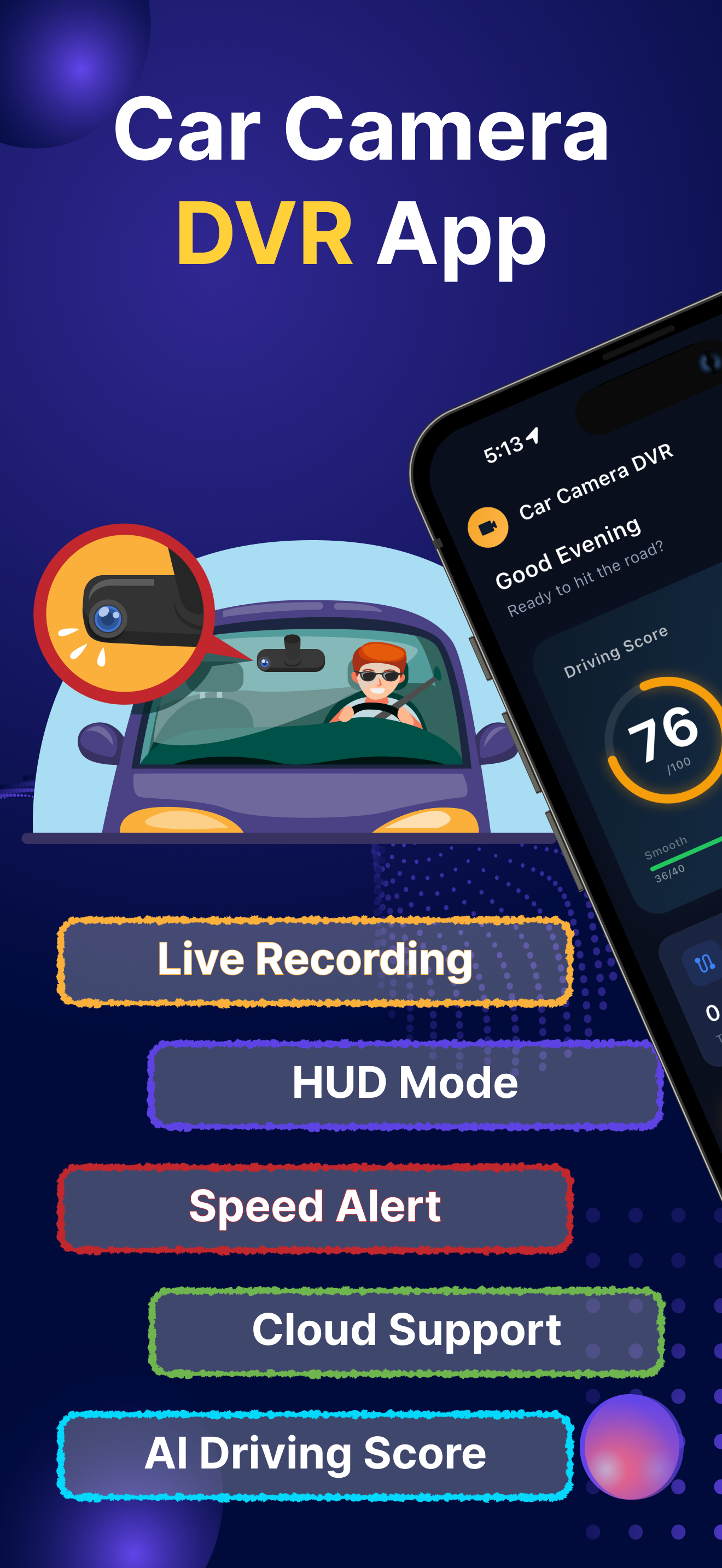
Turn any smartphone into a full-featured Car DVR recorder and GPS Blackbox. Record HD video up to 1080p, capture speed and GPS coordinates on every clip, and keep your drives safe with loop recording.


Car Camera DVR - Dashcam turns your phone into a personal car camera with no extra hardware. Record HD video up to 1920x1080, overlay live speed, time and GPS coordinates on every clip, and keep a loop-recorded history of every journey. Built for everyday drivers, commuters and road-trippers who want evidence of every drive.
One app. Every feature a modern dashcam should have - without buying extra hardware.
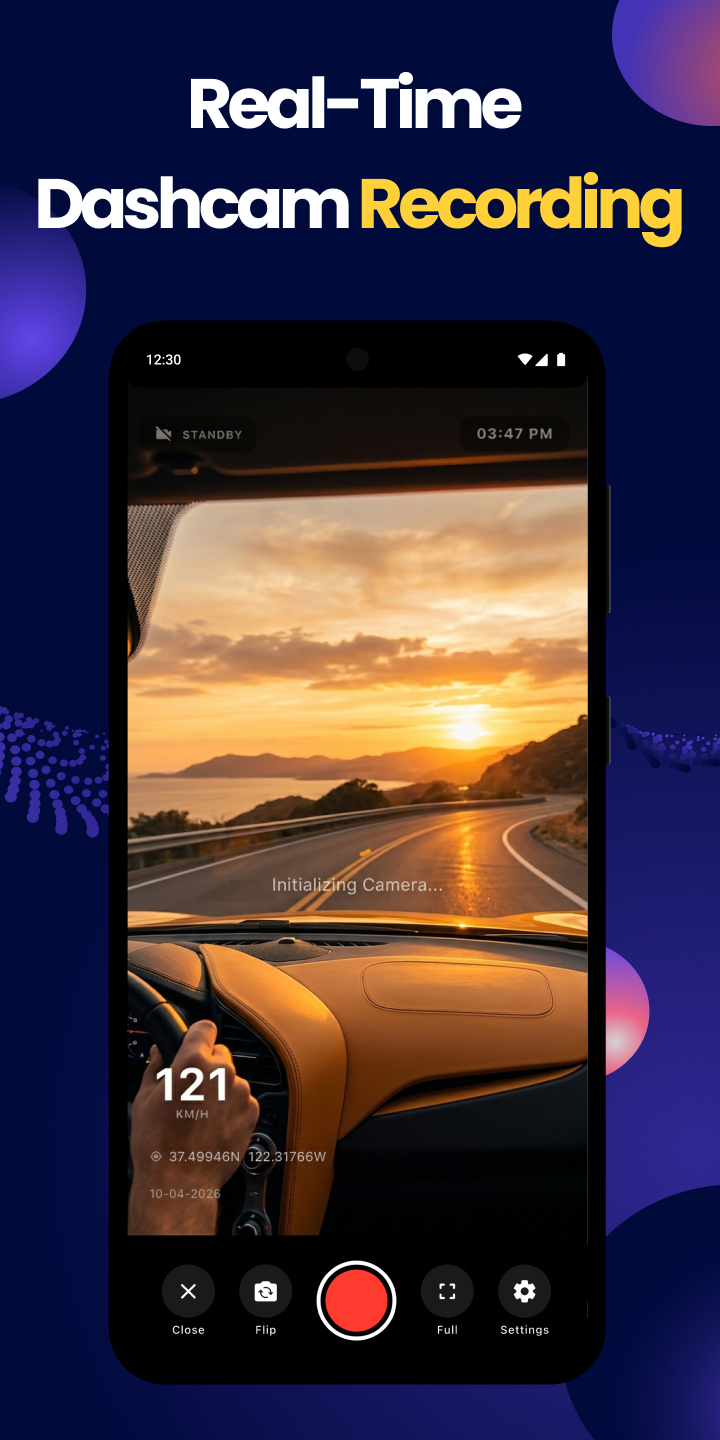
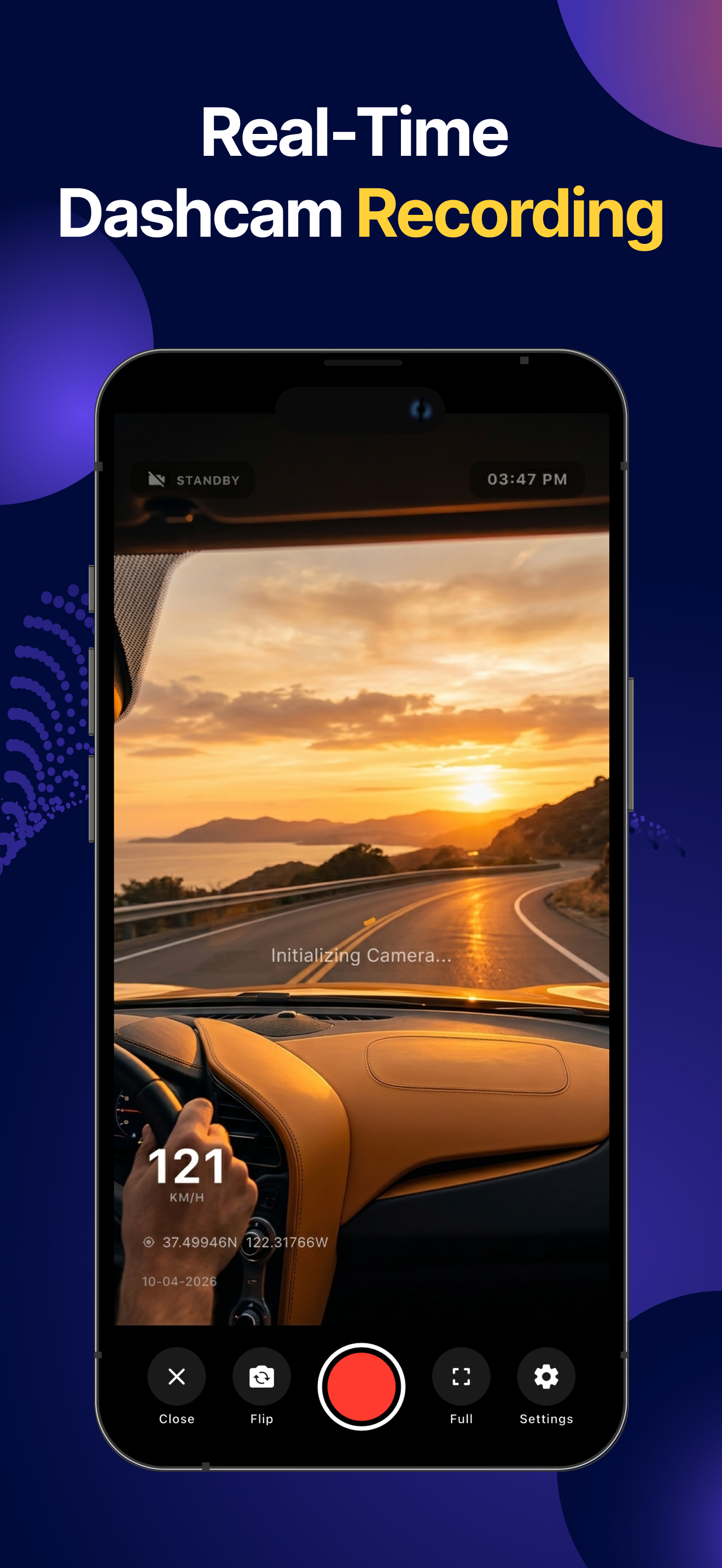
Record up to 1920x1080. Choose Low, Medium, High, 640x480, 720p or Full HD to match your storage.
Set a video segment length and let the app save journeys in clips automatically.
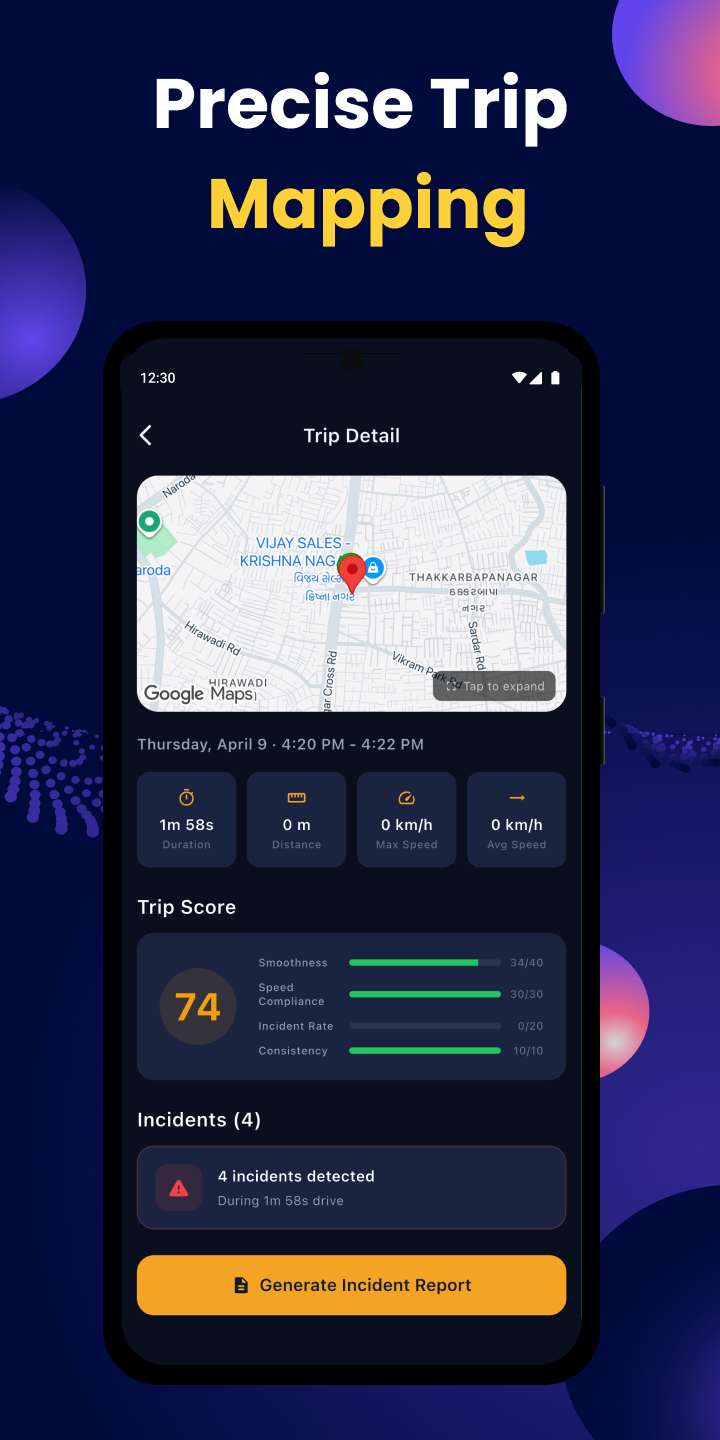
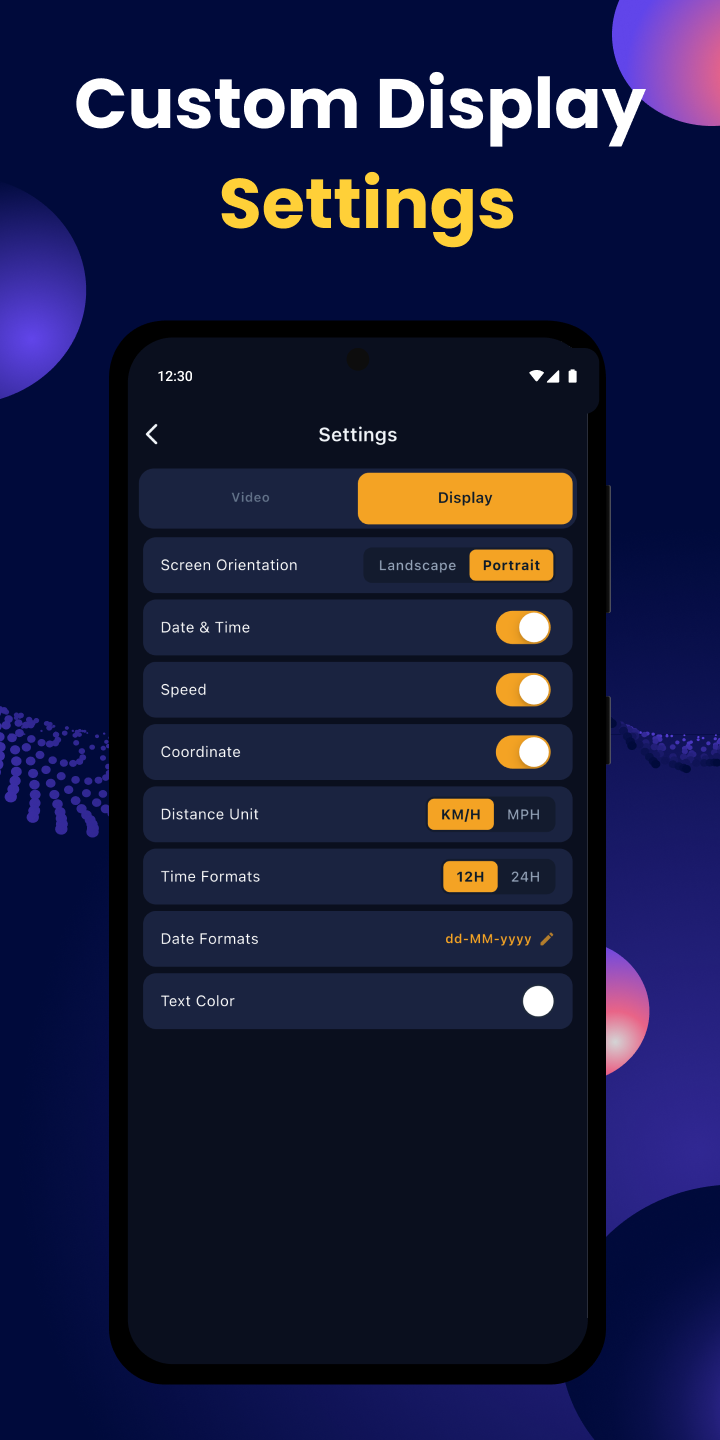
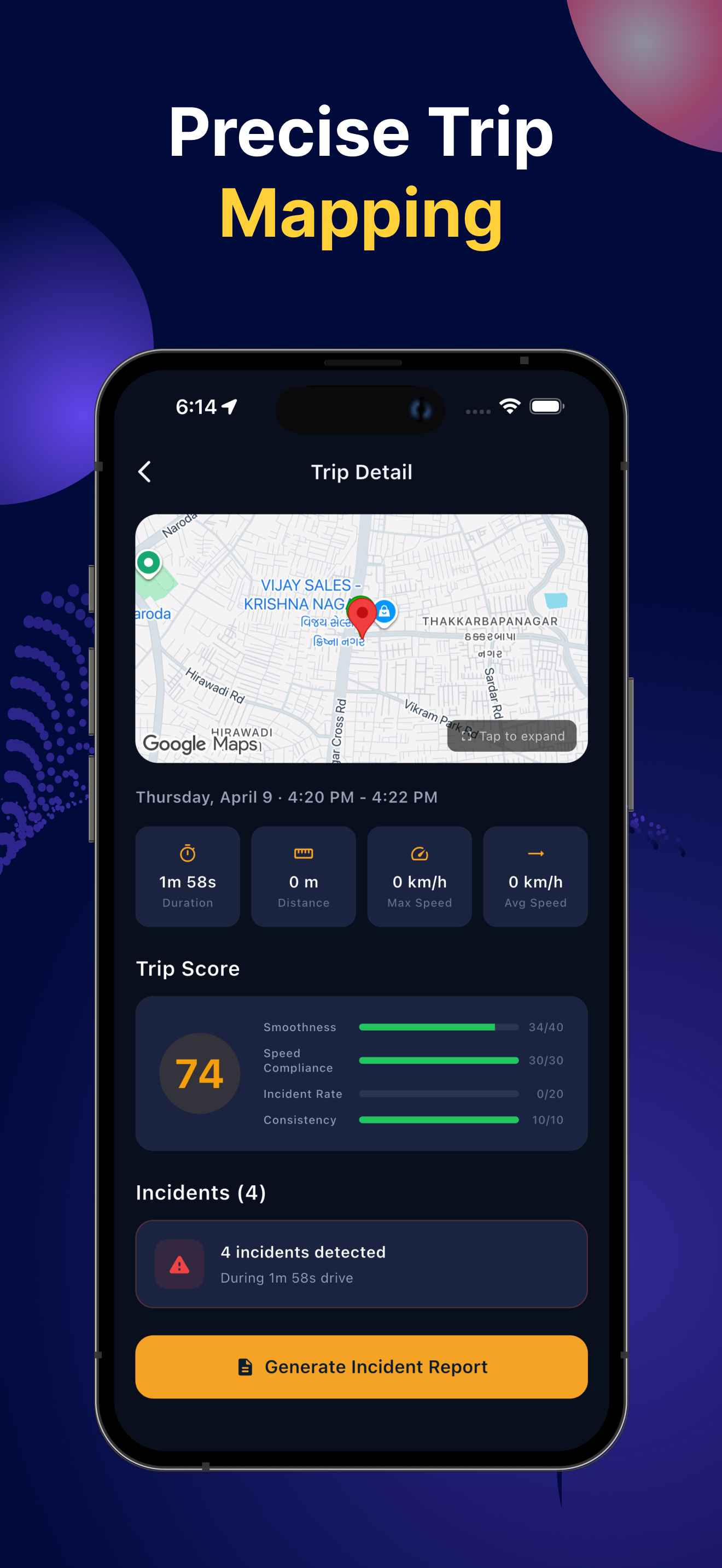
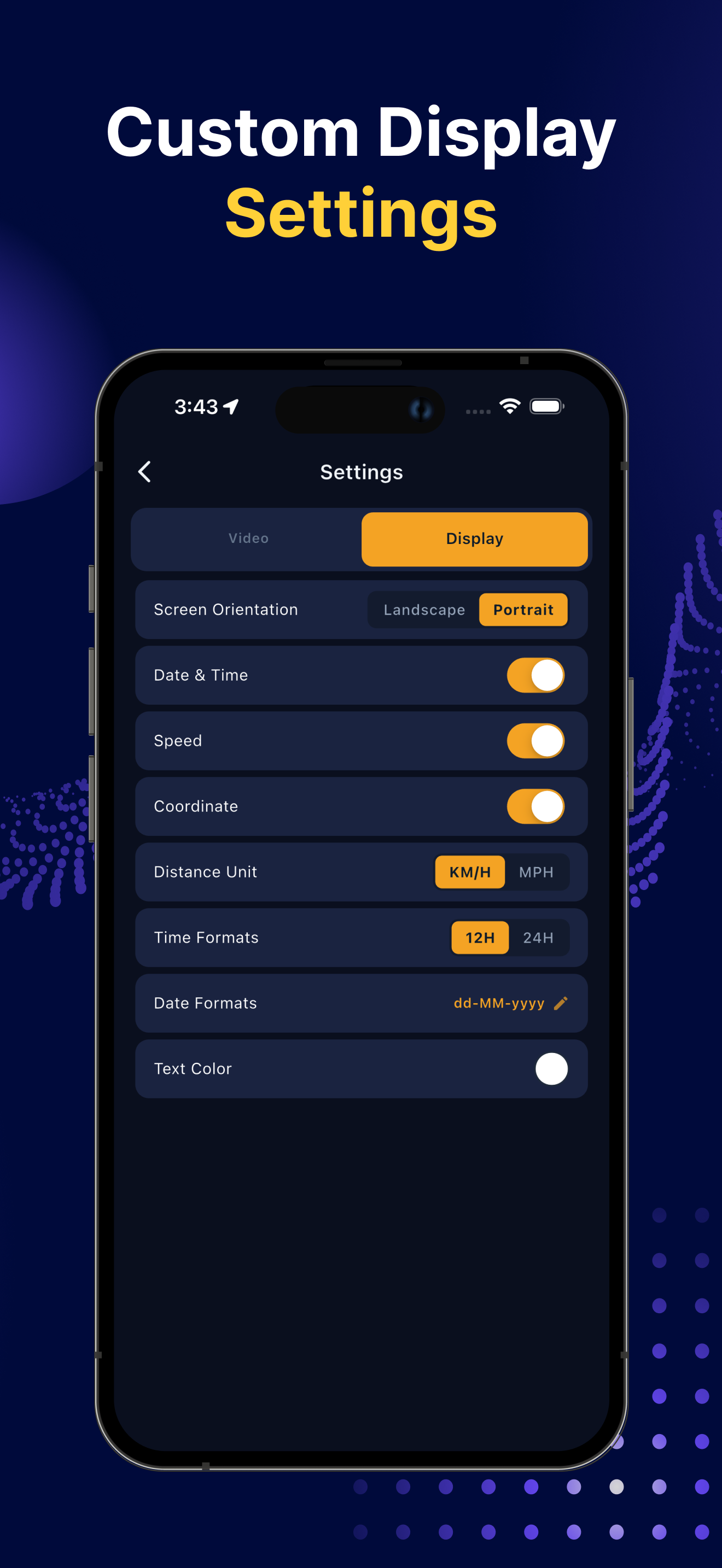
Stamp each video with live speed, GPS coordinates and time. Switch units between KM/H and MPH.
Switch between the front and back cameras to capture exactly what you need on the road.
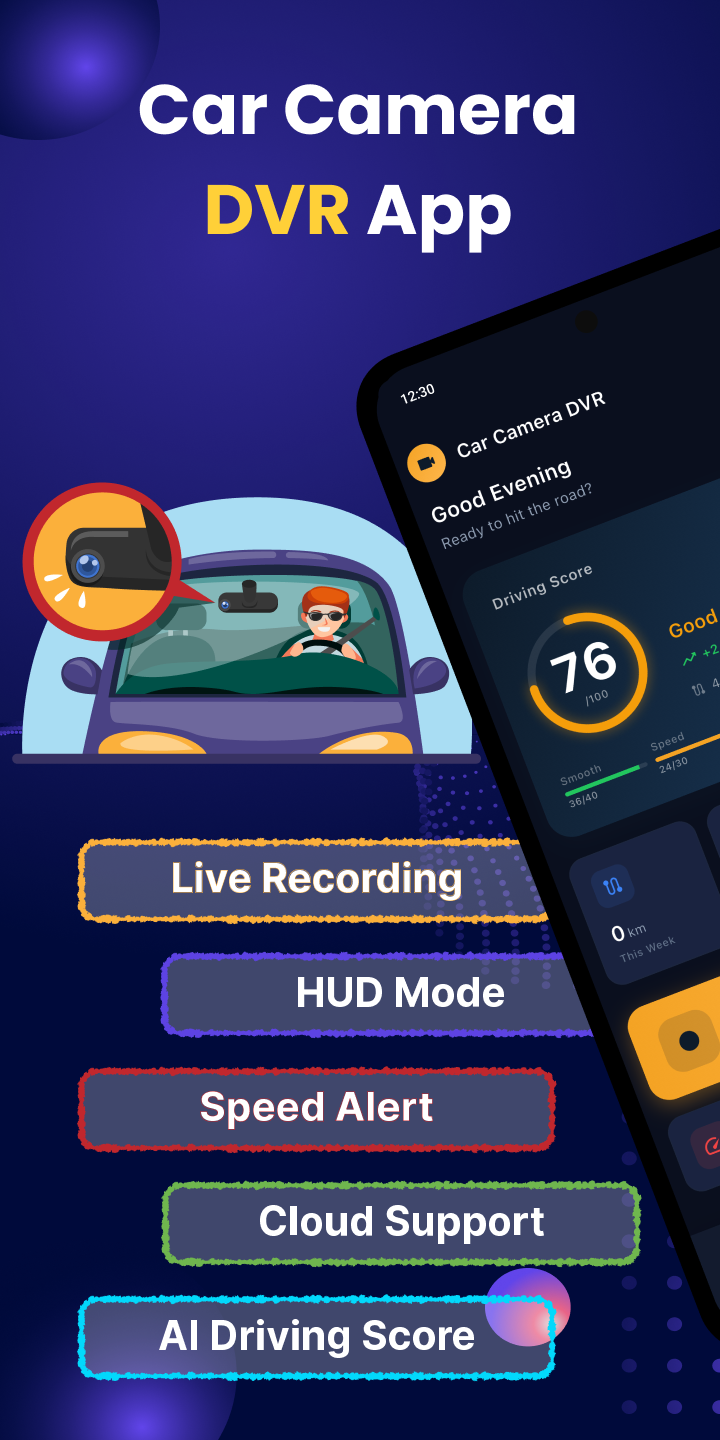
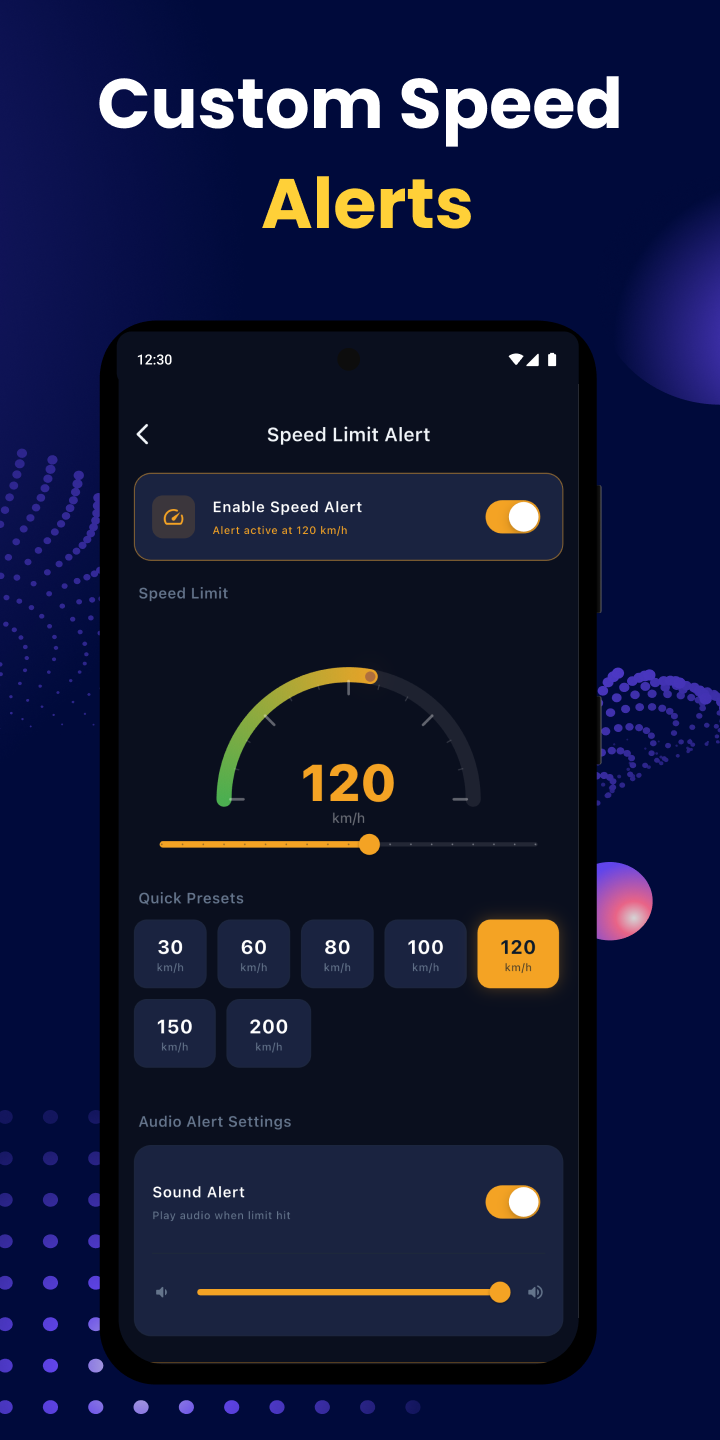
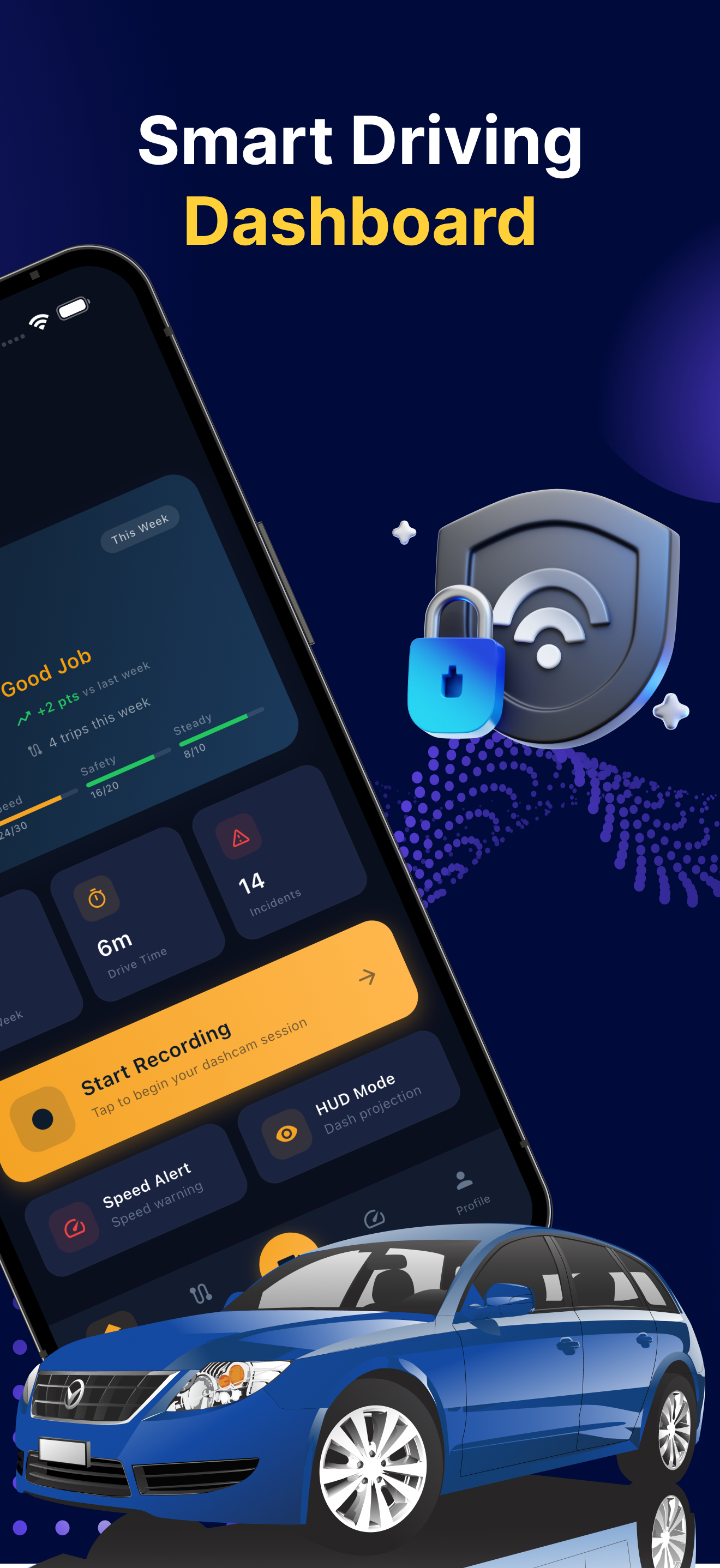
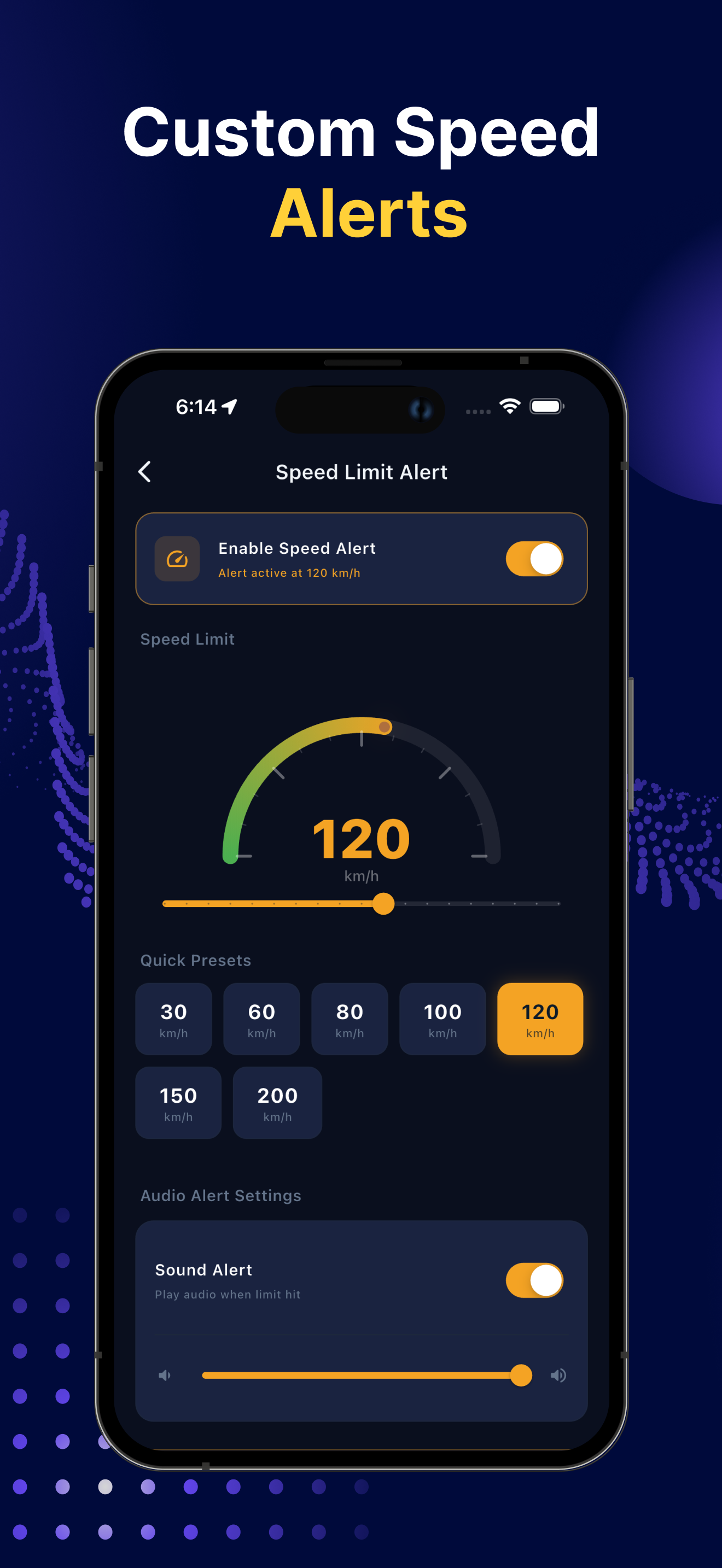
Set a custom speed limit and get an instant alert the moment you cross it.
Capture a photo with speed information stamped on it without stopping your recording.
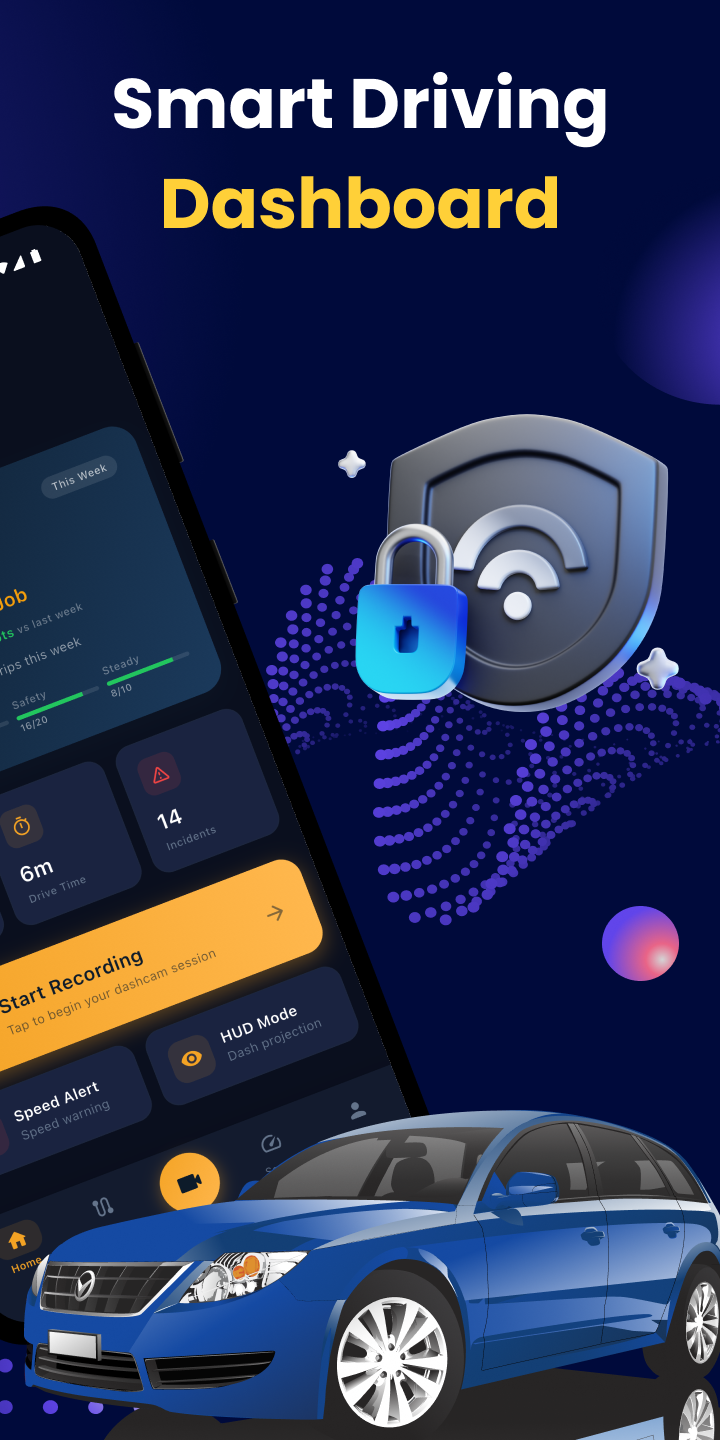
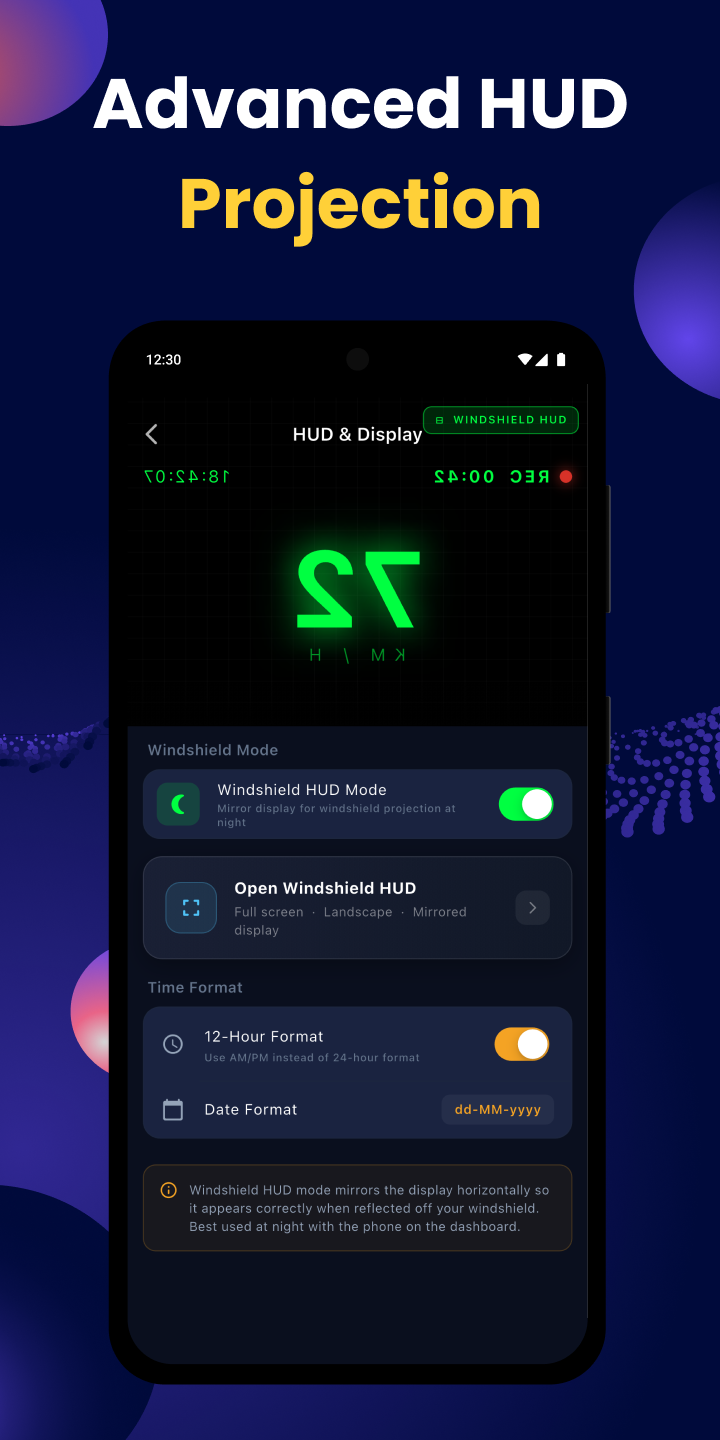
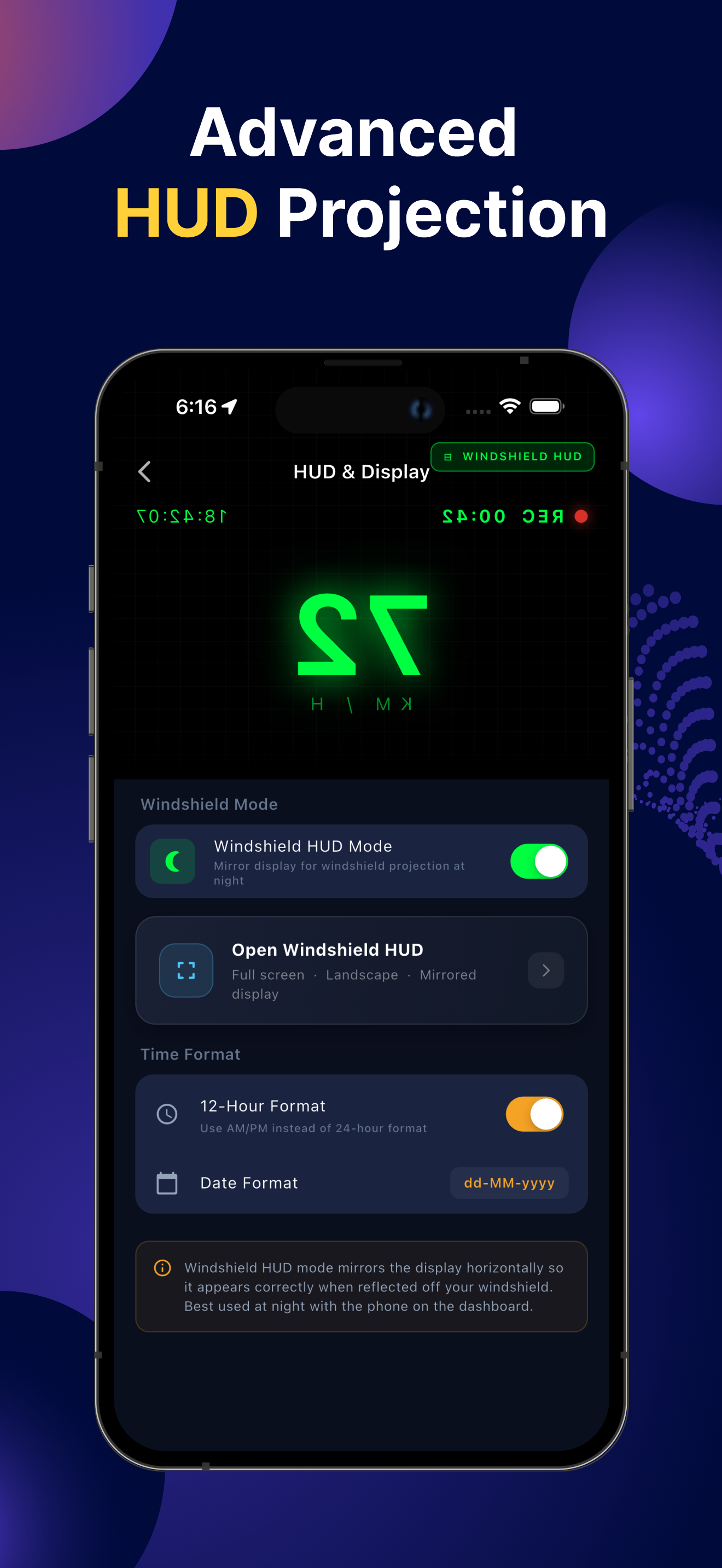
Project a heads-up display reflection on your windshield for safer at-a-glance driving.
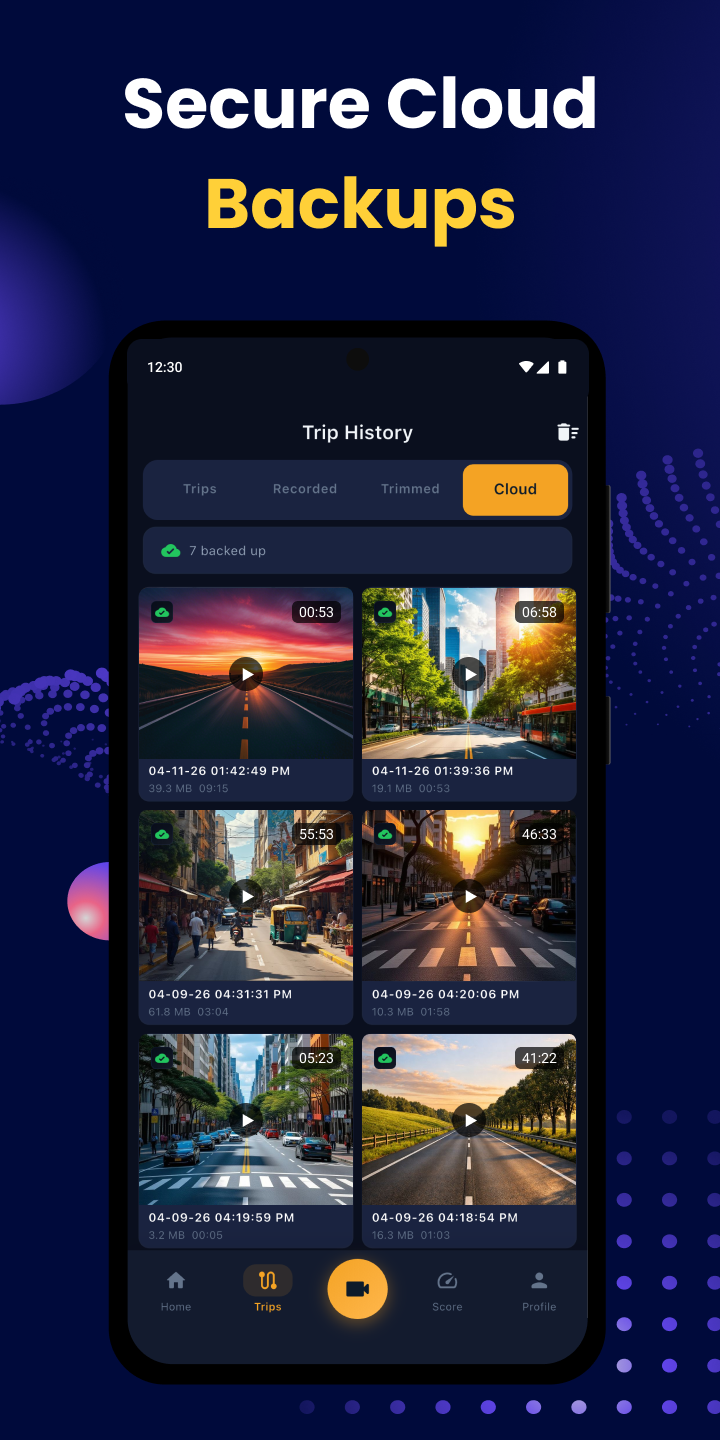
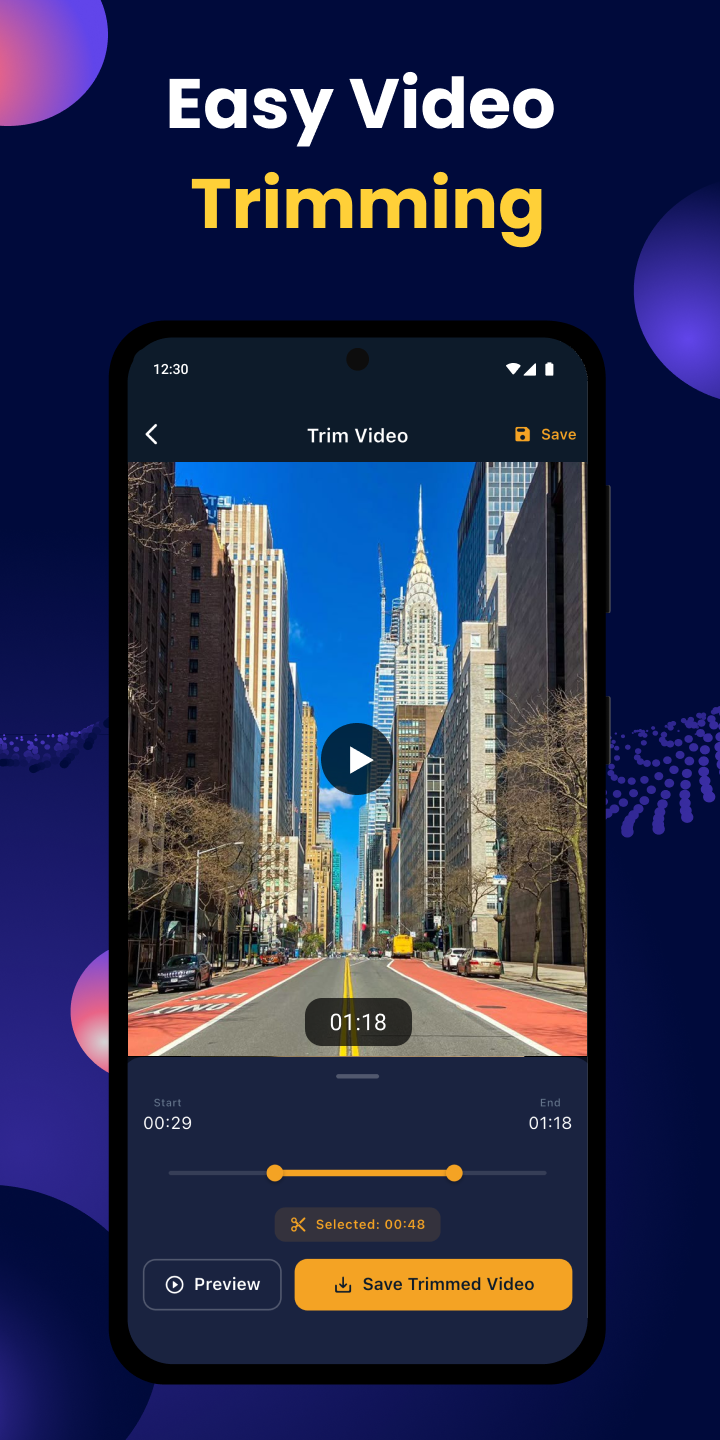
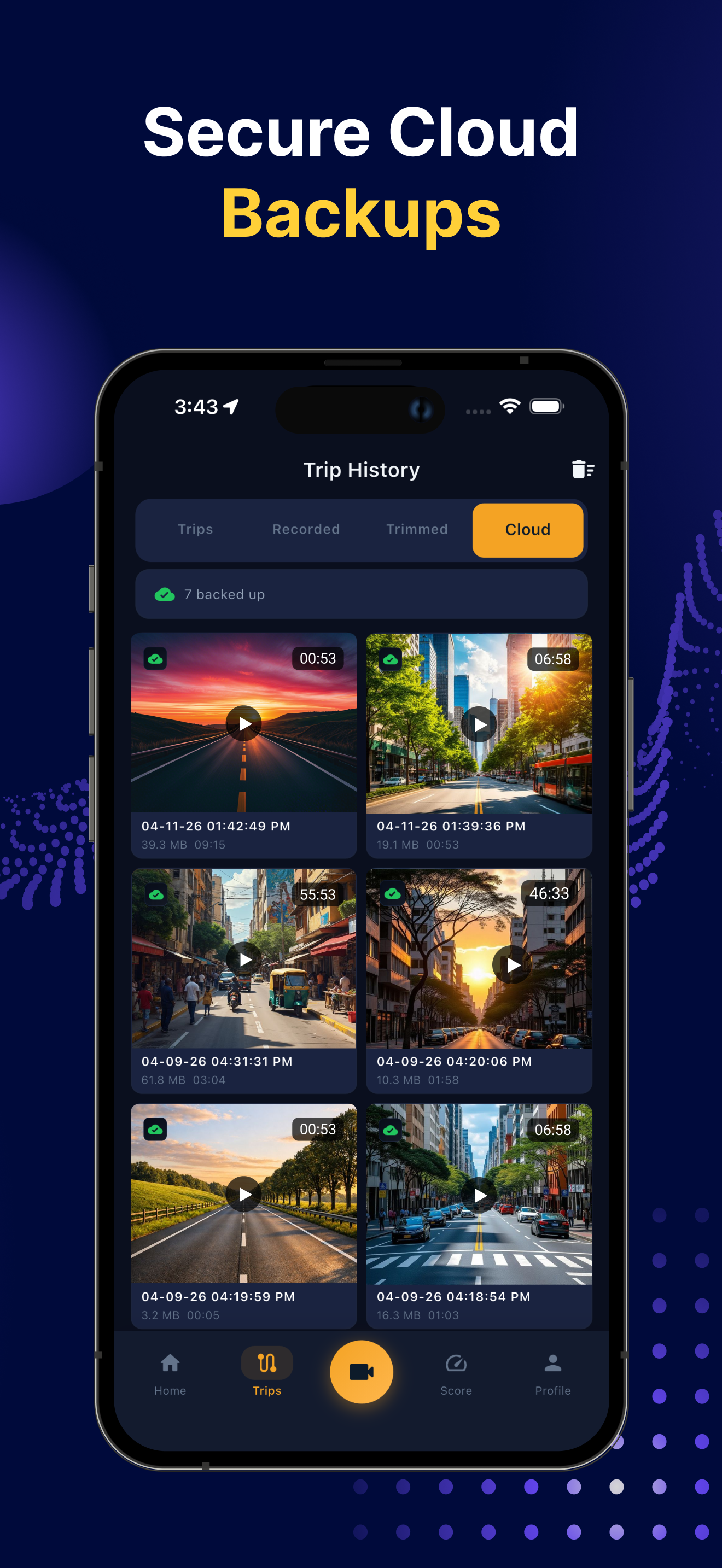
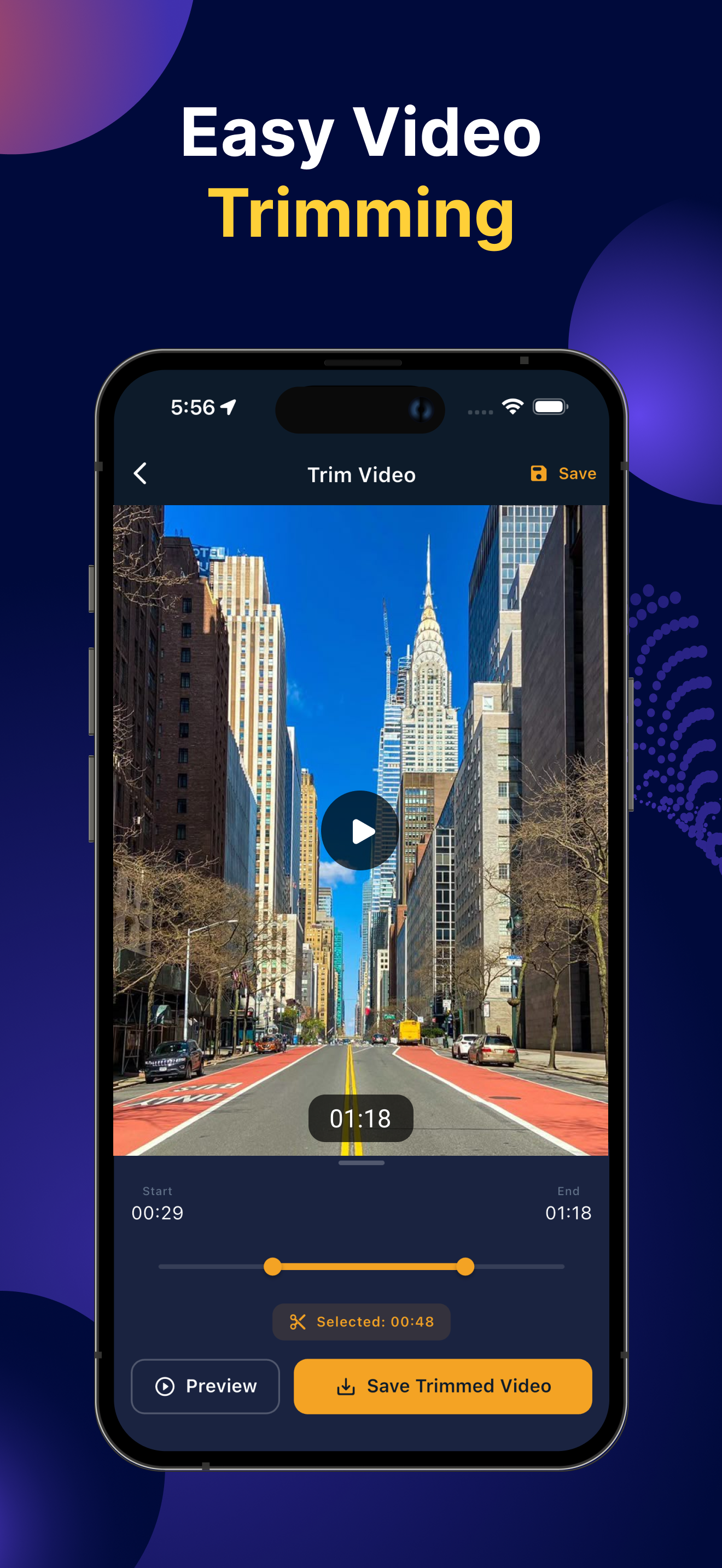
Browse, play, trim and share your recorded videos right from the in-app gallery.
No wiring, no hardware, no technical skills. Just install, mount, and drive.
Download the free app from Google Play or the App Store.
Clip your phone to the dashboard with any standard holder.
Tap record and drive - the app keeps capturing the road in loops.
Watch, save or share any clip from the built-in gallery.
Available on Android and iOS - pick your platform.
All core features are free - forever. No paywalls, no locked tools.
Your footage stays on your device. We never upload or sell your data.
Records anywhere - rural roads, tunnels, no-signal zones. No internet needed.
Friendly, human email support for every user - free or otherwise.
Free to download. Nothing to buy. Works on any modern phone.
Quick answers to the things people most often ask.
Yes - 100% free. All core recording, GPS tagging, loop recording and emergency-save features come at no cost and with no subscription.
Absolutely. The app records completely offline. Internet is only used if you choose to share a clip via WhatsApp, email or the cloud.
All recordings are stored locally on your phone's storage inside the app's dedicated folder. You keep full ownership - we never upload them.
For long drives we recommend keeping the phone connected to a car charger. The app is optimised for low CPU usage, but continuous recording always uses battery.
With loop recording enabled, the oldest unsaved clips are overwritten automatically - so you never run out of space. Emergency-saved clips are protected.
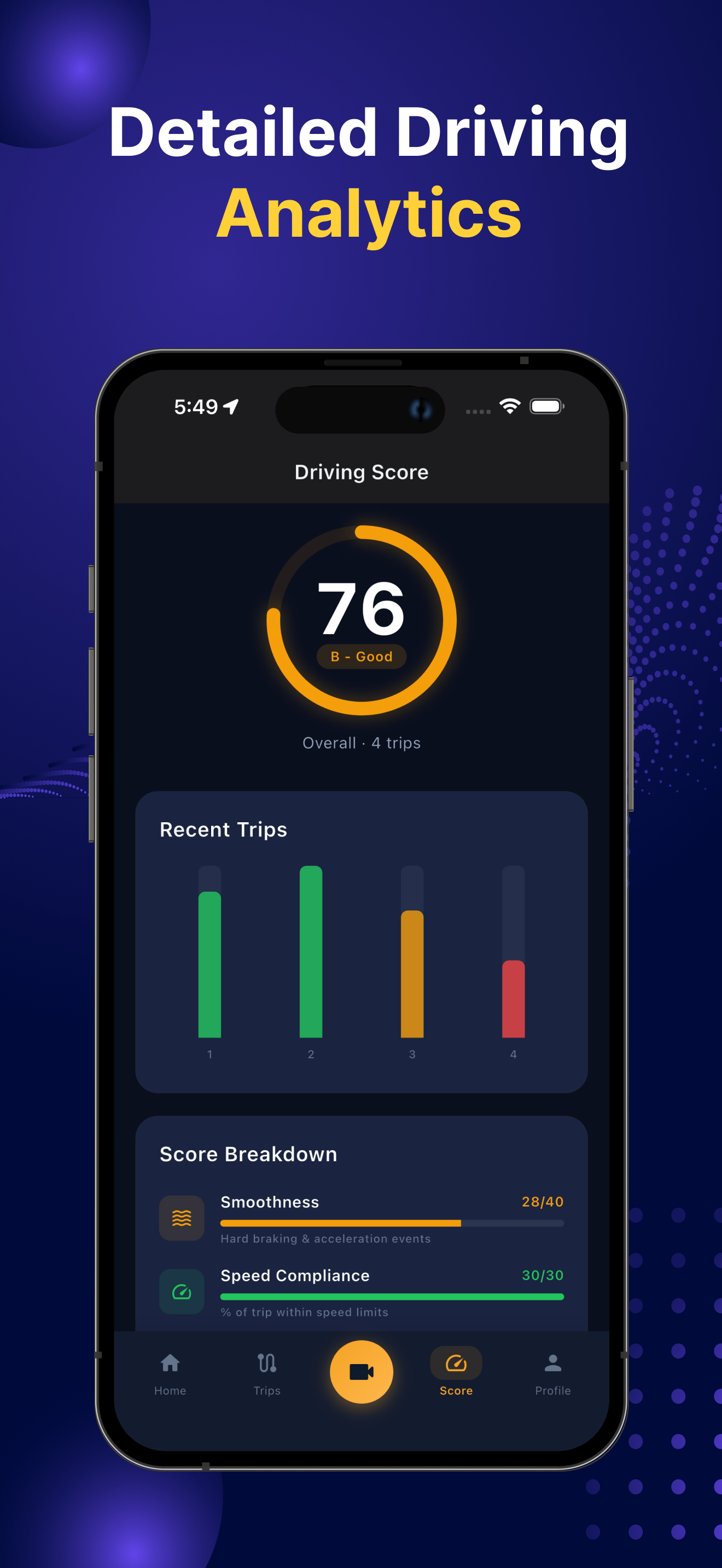
Yes. Each clip includes timestamp, GPS coordinates and speed - useful evidence for insurance or traffic disputes. Always follow your local regulations.
Questions, feedback, bug reports or partnership enquiries - send us a note and we'll reply fast.