Phone As Dashcam: How to Use Your Phone as a Dashcam for
Mid-range and flagship phones shoot 1080p or 4K at high frame rates, matching or exceeding the video quality of many entry-level dedicated dashcam units on the market.
The advantages extend well beyond resolution:
- Cloud backup by default. Most dashcam apps automatically push locked incident clips to your personal cloud, so footage survives even if the device is damaged in the crash.
- Embedded GPS. Smartphones write location and speed data directly into every file, producing GPS timestamped driving footage without extra hardware.
- Zero installation cost. Hardwired dashcams require fuse-box connections. A windshield phone mount costs a few dollars and clips on in under two minutes.
- Dual-function hardware. Navigation, music, and recording run simultaneously on one device without adding anything extra to your windshield.
Dedicated units hold a narrow edge in always-on parking surveillance, but for drivers who want reliable car accident video evidence during active driving, the phone as dashcam decision is already settled on economics alone.
Best Dashcam Apps for 2026
The right app is what separates a capable camera from a truly reliable dashcam app for iPhone and Android. Every credible driving recorder app should cover these non-negotiables:
- Continuous loop recording. A proper loop recording app overwrites only the oldest unprotected footage, so storage never fills mid-drive while incident clips stay intact.
- G-sensor incident locking. An accelerometer trigger automatically locks a clip on sudden impact, protecting it from the overwrite cycle without any driver input required.
- Incident detection. Capable incident detection smartphone logic flags hard braking and near-misses, not just direct collisions.
- Automatic cloud upload. Locked clips should sync to cloud storage over Wi-Fi after each drive so evidence is off-device before you forget about it.
When comparing options, check whether GPS metadata is embedded directly in the video file or stored as a separate log. Embedded data is far harder to dispute in a claim or legal proceeding.
[!TIP]
Calibrate G-sensor sensitivity before your first real drive. Set it too high and every speed bump locks a clip. Set it too low and a genuine impact might not trigger protection at all.
Setting Up Phone as Dashcam
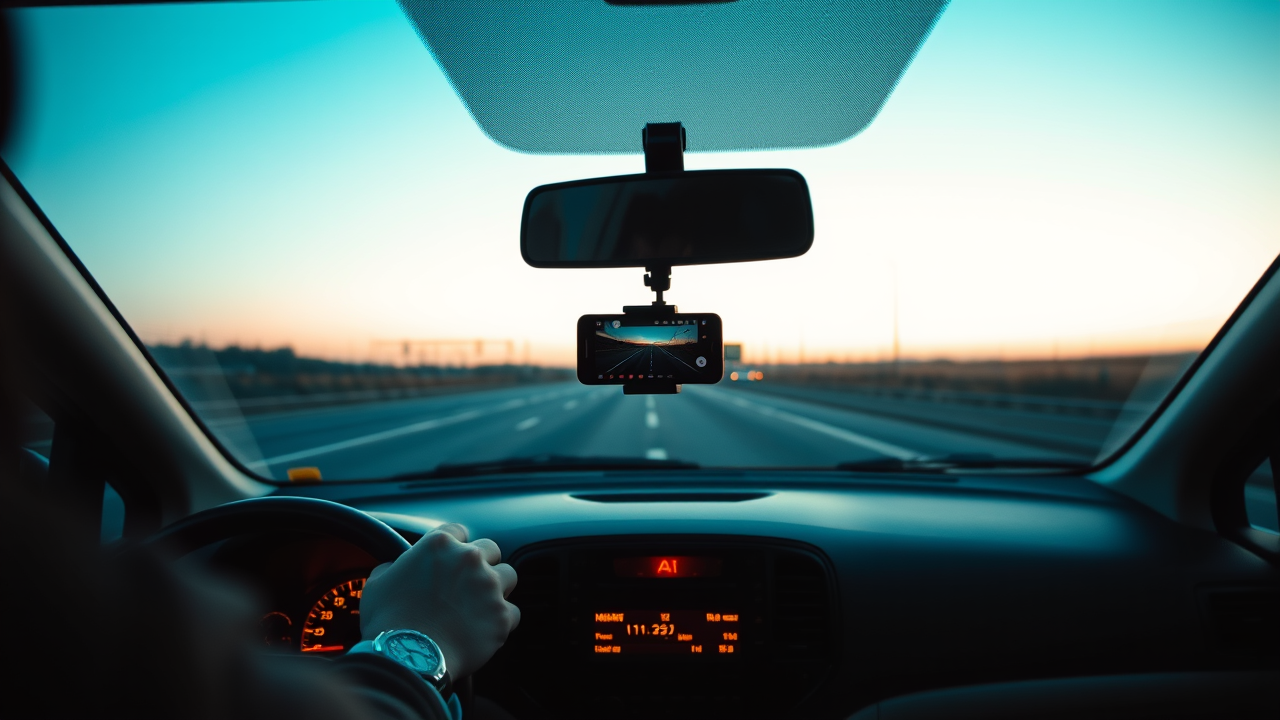
Correct setup takes about ten minutes and makes every subsequent drive fully hands-free. Follow this sequence before your first recording session:
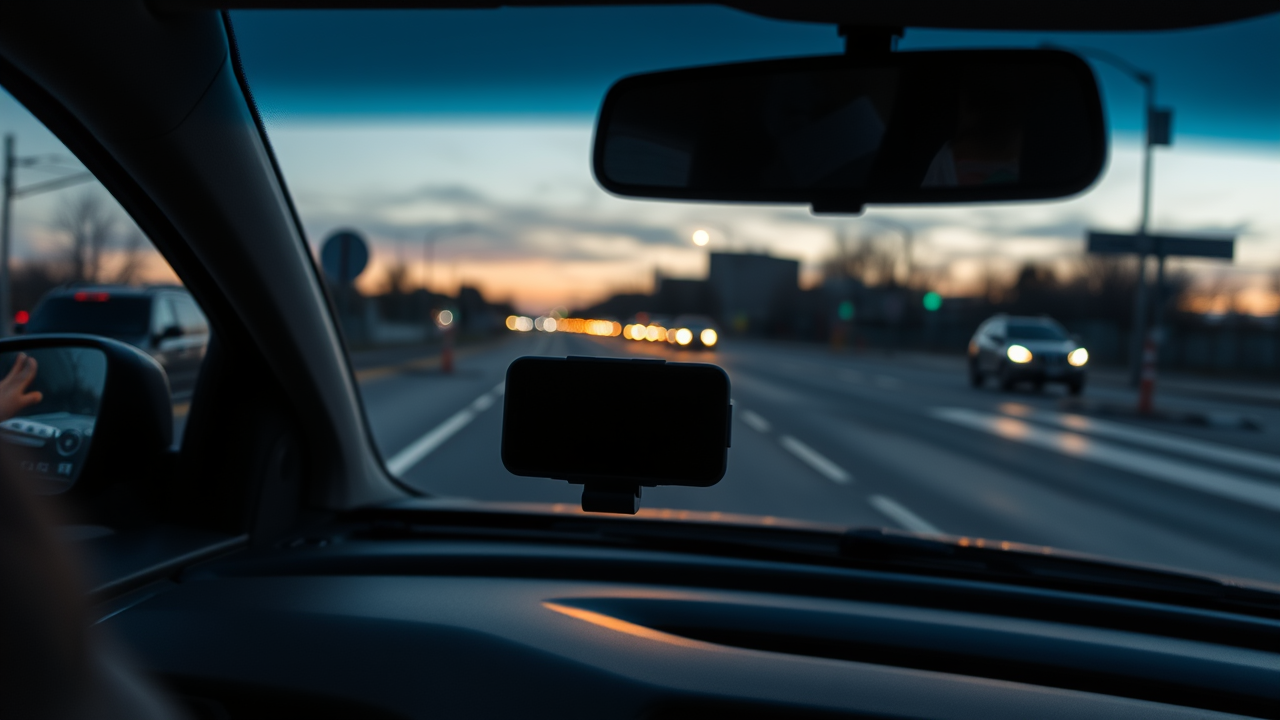
- Mount behind the rearview mirror. This minimizes driver distraction and sits within the legally permitted mounting zones in most jurisdictions.
- Enable screen keep-awake. Set the display to stay on while charging, then confirm the same toggle inside the dashcam app.
- Use a power-delivery charger. A quality car charger keeps the battery topped up through long sessions. Recording on battery alone risks shutdown mid-drive.
- Set a storage cap. Allocate a fixed storage limit inside the app so loop recording activates automatically rather than filling your phone's entire memory.
- Run a test recording. Drive five minutes and confirm the saved clip includes a correct timestamp and embedded GPS coordinates.
[!WARNING]
A physically mounted phone recording passively is legal in most regions. Holding the phone while driving is not. Never use your dashcam app as a reason to interact with the screen while moving.
Phone as Dashcam for Evidence
Phone dashcam accident evidence is only as strong as the steps you take in the first few minutes after a collision. The footage exists on the device, but it needs to be locked, preserved, and backed up before anything else happens.
Immediately after an incident:
- Lock the clip manually inside the app if the G-sensor did not fire automatically.
- Screenshot the app's on-screen timestamp as an independent time reference, separate from the file metadata.
- Upload the locked clip to cloud storage over mobile data before moving the vehicle or handing the device to anyone else.
GPS timestamped driving footage carries inherent credibility because time, location, and speed are written into the file at the moment of recording, not reconstructed after the fact. Do not trim, crop, or apply any filter to the raw clip - any modification raises chain-of-custody questions that can undermine your footage in adjuster review or court proceedings.
Filing Insurance Claims with Footage
Submitting a dashcam footage insurance claim correctly is as important as capturing the footage in the first place. For a clean submission:
- Export the original file directly from the app. MP4 is universally accepted.
- Confirm GPS and timestamp metadata are embedded by checking file properties in a media player before sending.
- Label the file with the date, time, and your claim number.
- Send it directly to your assigned adjuster and request written confirmation of receipt.
- Retain a separate backup copy independent of what you submit.
Adjusters look specifically for continuous recording, visible timestamps, and GPS coordinates that match the reported incident location. Gaps or missing metadata invite scrutiny, which is why getting your phone as dashcam setup right before an incident is the real protection.
FAQs
Legal Use While Driving
Passive, mounted recording is permitted in the vast majority of jurisdictions worldwide. The device must be mounted and the app must run without driver interaction while the vehicle is in motion. Check your local traffic code once to confirm the permitted mounting zone and any dashcam-specific rules for your area.
Best Free Dashcam App 2026
The best free dashcam app for iPhone and Android in 2026 offers loop recording, G-sensor locking, and embedded GPS metadata without a paywall. Free tiers from established developers cover most everyday driving needs.
Is Dashcam Footage Court Admissible
Dashcam footage legal admissibility depends on jurisdiction and chain of custody. Continuously recorded video from a legally mounted device is generally admissible in civil and criminal proceedings when the original, unedited file is presented. Consult a local attorney before submitting footage in any formal legal proceeding.
Submitting Footage to Insurance
Export the original MP4, confirm metadata is intact, and email it directly to your adjuster with a brief incident summary. Always retain your own backup copy independent of what you submit to the insurer.
Dashcam and Insurance Premium Savings
Some insurers offer behavioral pricing programs or explicit discounts for dashcam users who can demonstrate a clean driving history through footage. Contact your insurer directly to ask whether a discount program applies to your policy at renewal.
Key Takeaways
- Mount your phone behind the rearview mirror before every drive for passive, legal, unobstructed recording.
- Choose a dashcam app with loop recording, G-sensor locking, and embedded GPS as your non-negotiable baseline.
- Back up incident clips to cloud storage immediately after a collision, before moving the vehicle or touching the file.
- Submit original, unedited MP4 files with intact metadata for the strongest possible dashcam footage insurance claim.
- Ask your insurer whether a dashcam discount or behavioral pricing program applies to your policy at renewal.
Conclusion
Using your phone as a dashcam is no longer a workaround - it is a capable, cost-free solution with the video quality, GPS logging, and cloud backup that make footage credible in insurance claims and legal proceedings. Download a dashcam app, mount your phone, and start your next drive with a reliable witness already running.
Further Reading
- Dashcam - Wikipedia - History, technology types, and global legal context of dashcam use.
- Evidence (law) - Wikipedia) - Foundational principles of admissibility relevant to video footage in legal and insurance proceedings.
- Global Positioning System - Wikipedia - How GPS works and why embedded location metadata carries evidential weight.
- National Highway Traffic Safety Administration - U.S. road safety data and distracted driving research relevant to dashcam adoption decisions.